Every text, email and follow-up logged on the client record.
Send estimates, visit reminders and invoices from one thread per client. Replies land on the same timeline so the office never has to check three personal phones.
Two-way client threads and visit reminders are in every plan. Automated estimate and invoice follow-ups are in Crew; custom automation rules are in Established.

How it works
Keep client communication in one place
- 1
Send estimates and invoices from the record
Deliver documents by SMS or email with one click; PDF attachments and portal links are generated automatically.
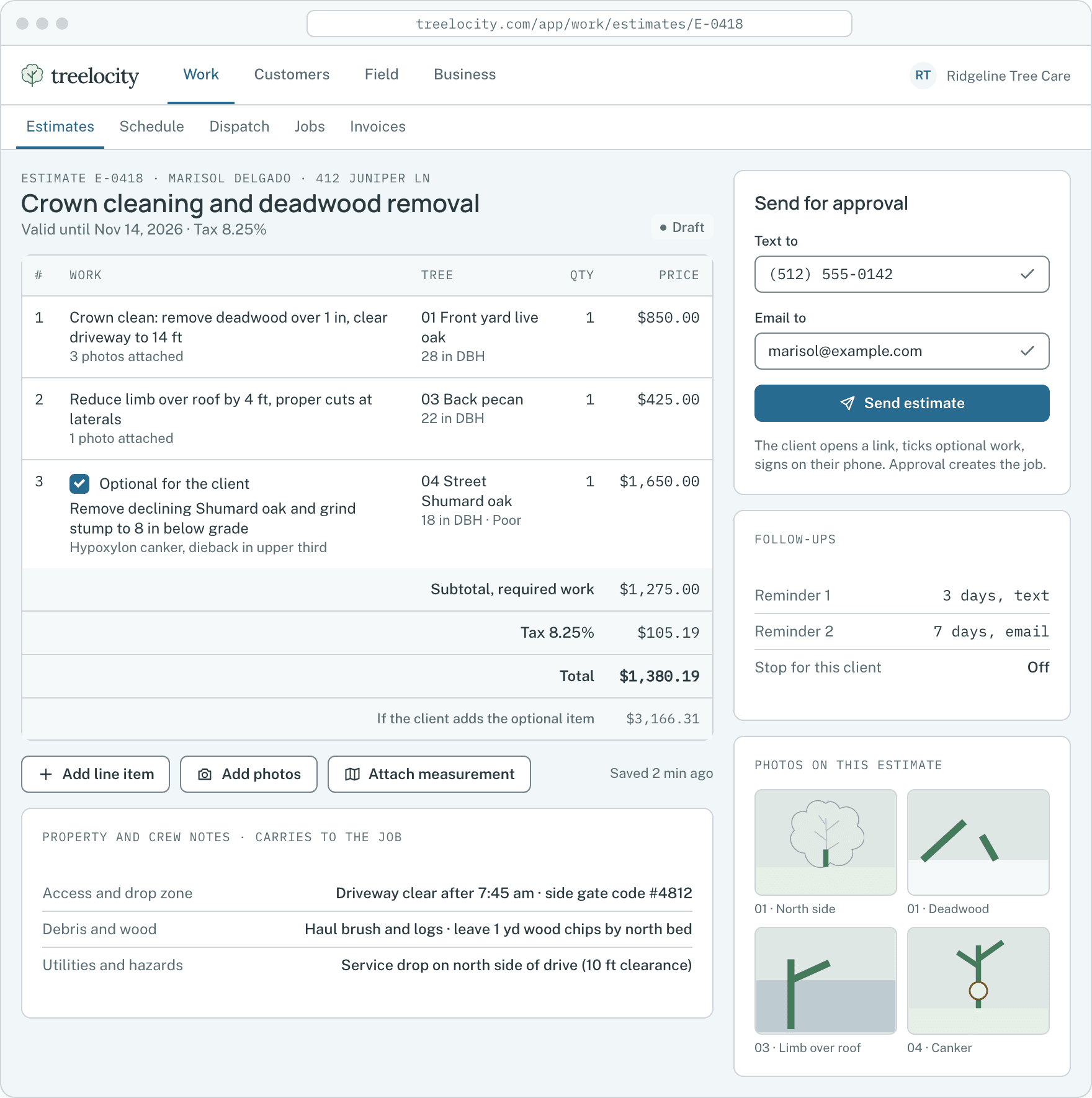
Sending an estimate from the workspace.Example data - 2
Read and reply in a single client thread
When a homeowner texts back a question about stump grinding, the reply appears on their thread for anyone in the office to answer.
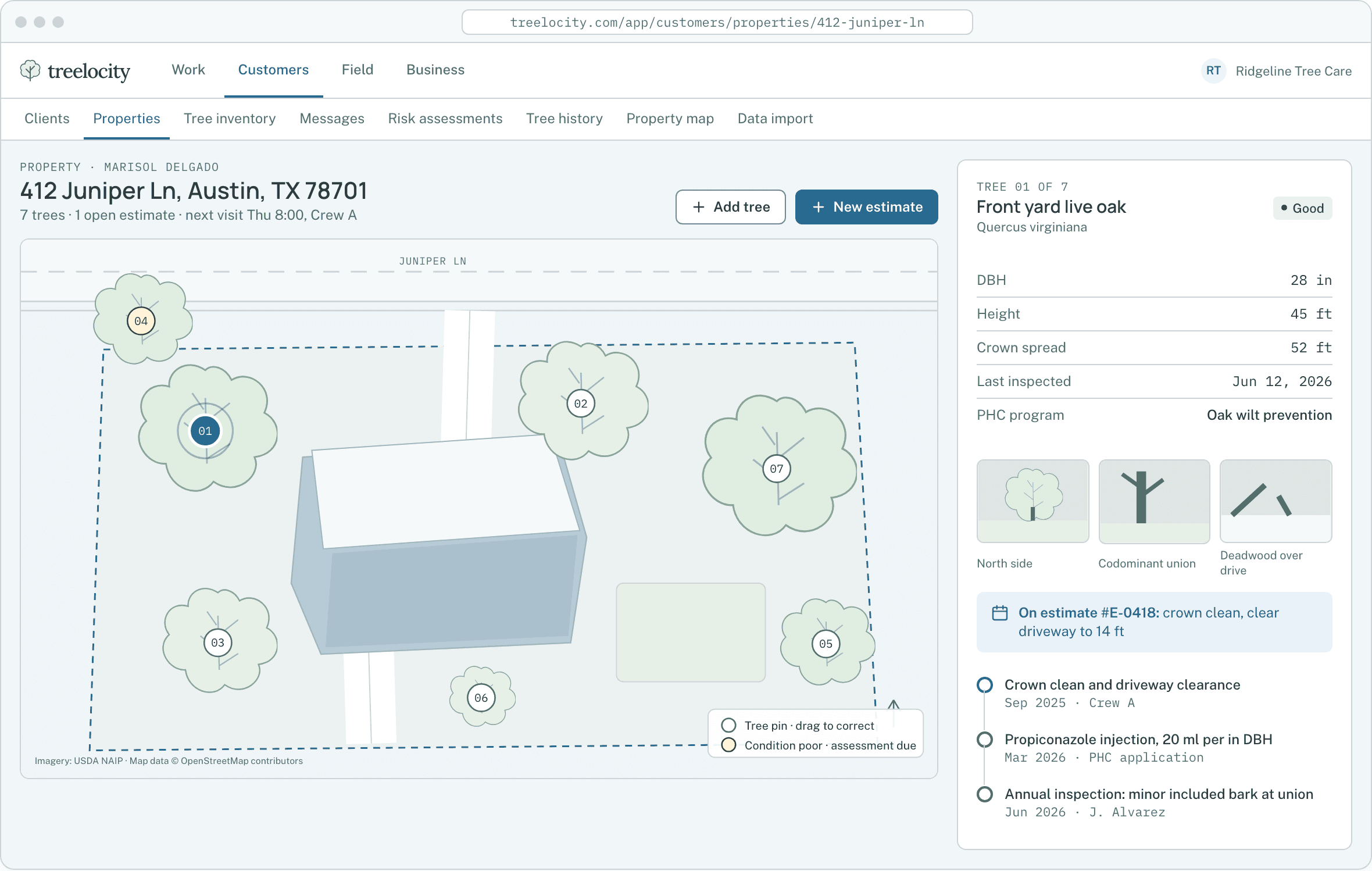
Client message history attached directly to the property record.Example data - 3
Automate polite follow-ups that stop on action
Unapproved estimates and unpaid invoices receive scheduled reminders that halt automatically the moment the client signs or pays.
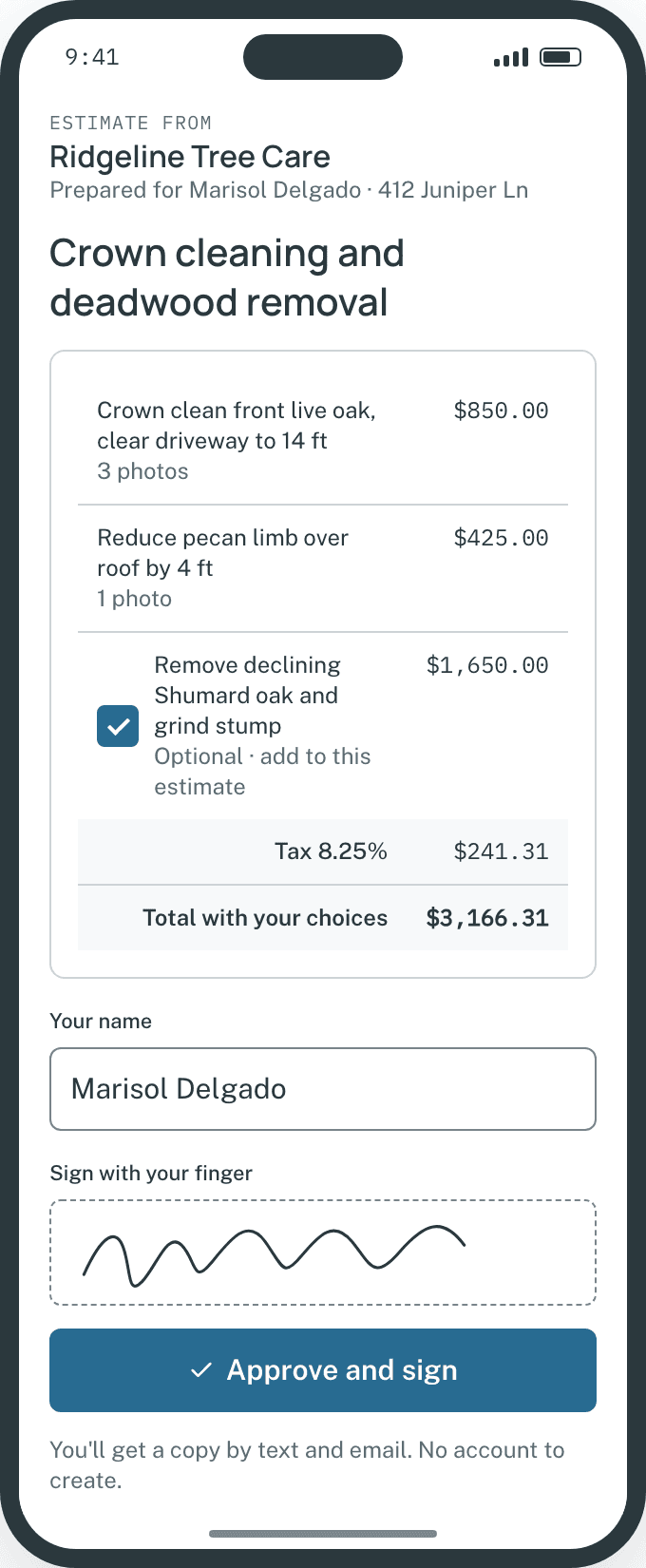
Approval automatically stops pending follow-ups.Example data - 4
Respect STOP keywords and per-client quiet switches
Carrier STOP opt-outs and manual per-client follow-up pauses are enforced automatically before any message sends.
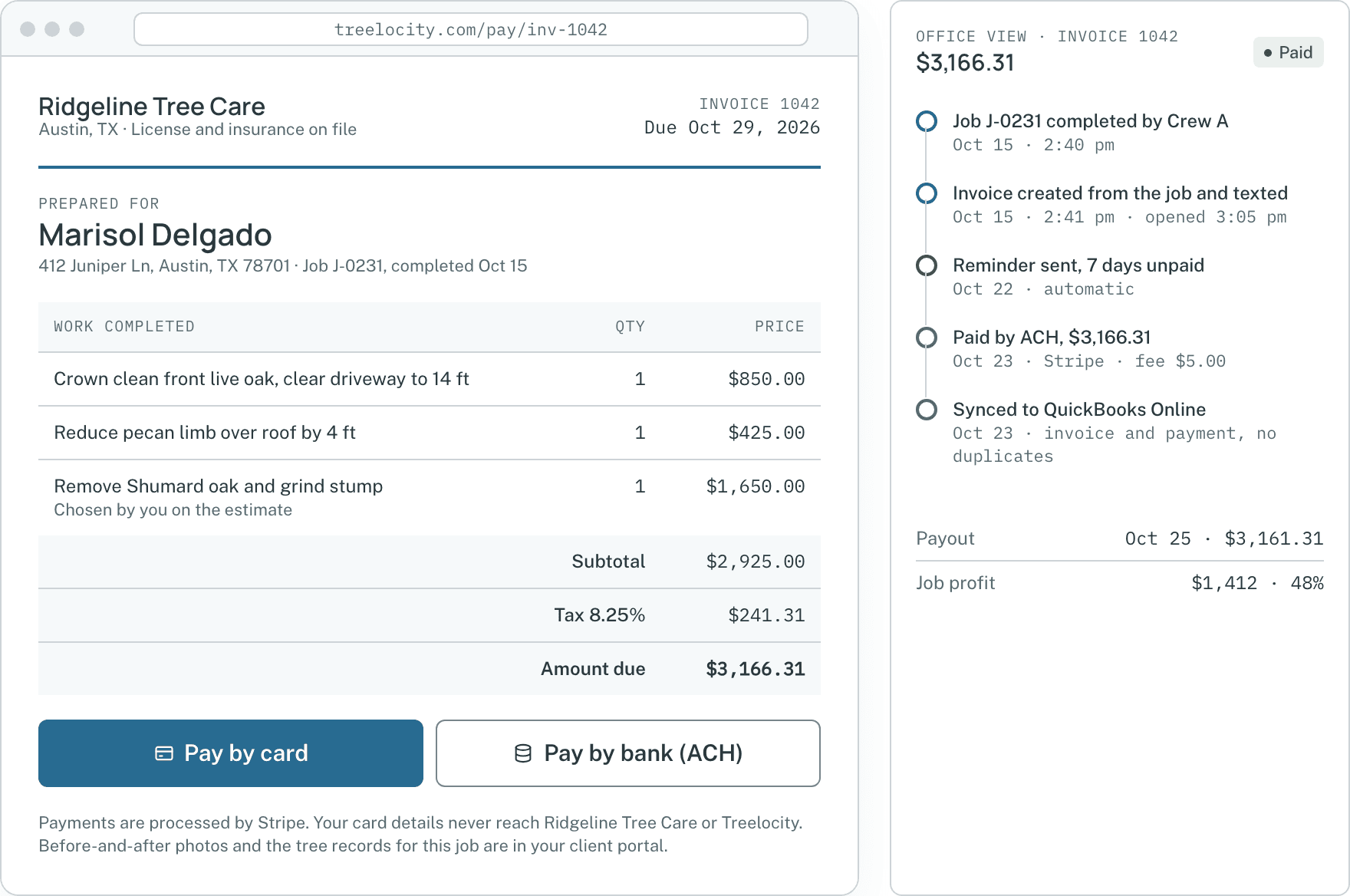
Delivery receipts and follow-up controls.Example data


What you get
Built for fast replies and carrier compliance
No lost texts on a sales rep’s phone and no awkward double-reminders.
Unified SMS and email timeline
Every outbound document, reminder and inbound reply lives on the customer record.
SoloStoppable estimate and invoice follow-ups
Pause follow-ups for a specific client with one toggle, or let approval and payment stop them automatically.
CrewTrigger-and-action automations
Configure rules like sending a review request or follow-up check after a job completes.
Established
Common questions
Texting and email questions
How this workflow runs day to day in the office and on the truck.
What happens if a customer replies STOP to a text message?
Treelocity immediately records the opt-out on that phone number and blocks any further automated or manual SMS messages unless the customer opts back in.
Can crew members see financial payment messages on the thread?
When price privacy is enabled for field roles, financial message amounts are hidden from crew views while operational notes remain visible.
Do automated estimate follow-ups stop as soon as the client approves?
Yes. The moment a homeowner signs an estimate or pays an invoice in the portal, any remaining scheduled reminders for that document cancel automatically.
Can we pause automated reminders for one specific customer?
Yes. Every client record has a one-click pause toggle so you can silence automated estimate or invoice follow-ups for a commercial account or neighbor anytime.
Get started
Put every client conversation on the record.
Start a 14-day trial and send your first estimate thread today.