Bring your clients and properties over in one afternoon.
Connect Jobber by API or upload CSV and Excel exports from ArboStar, Arborgold, SingleOps or spreadsheets. Map columns, preview every row and commit without duplicates.
Self-serve data import is included in every plan from day one of your trial.

How it works
From old software export to live properties in four steps
- 1
Upload CSV or Excel files—or connect Jobber
Drop a single combined spreadsheet, separate client and property files, or a property-only file that joins to existing clients.
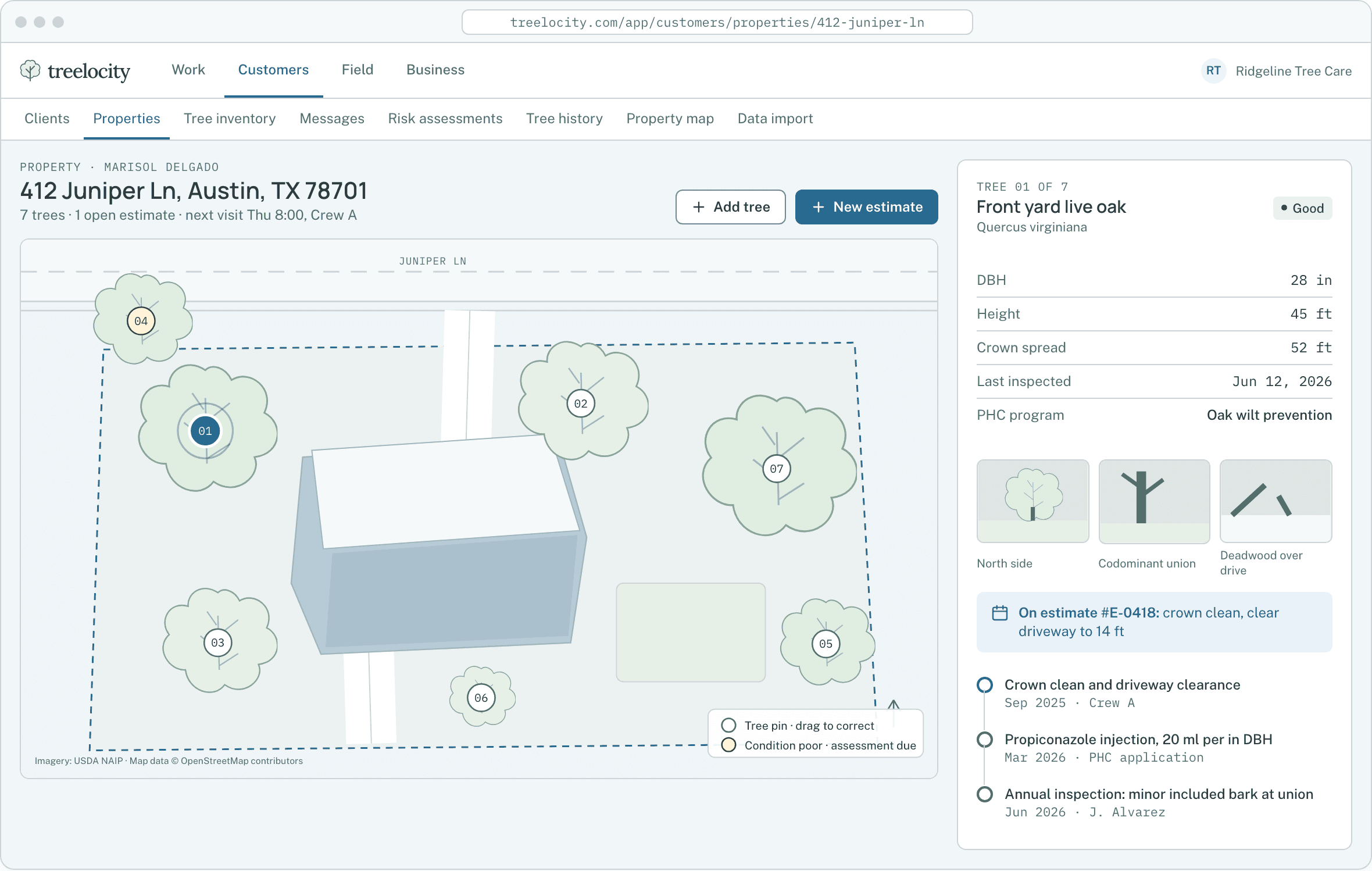
Imported properties geocoded onto the map.Example data - 2
Map columns and parse addresses automatically
Treelocity detects name, phone, email and street address columns, splits combined address lines and geocodes property pins.
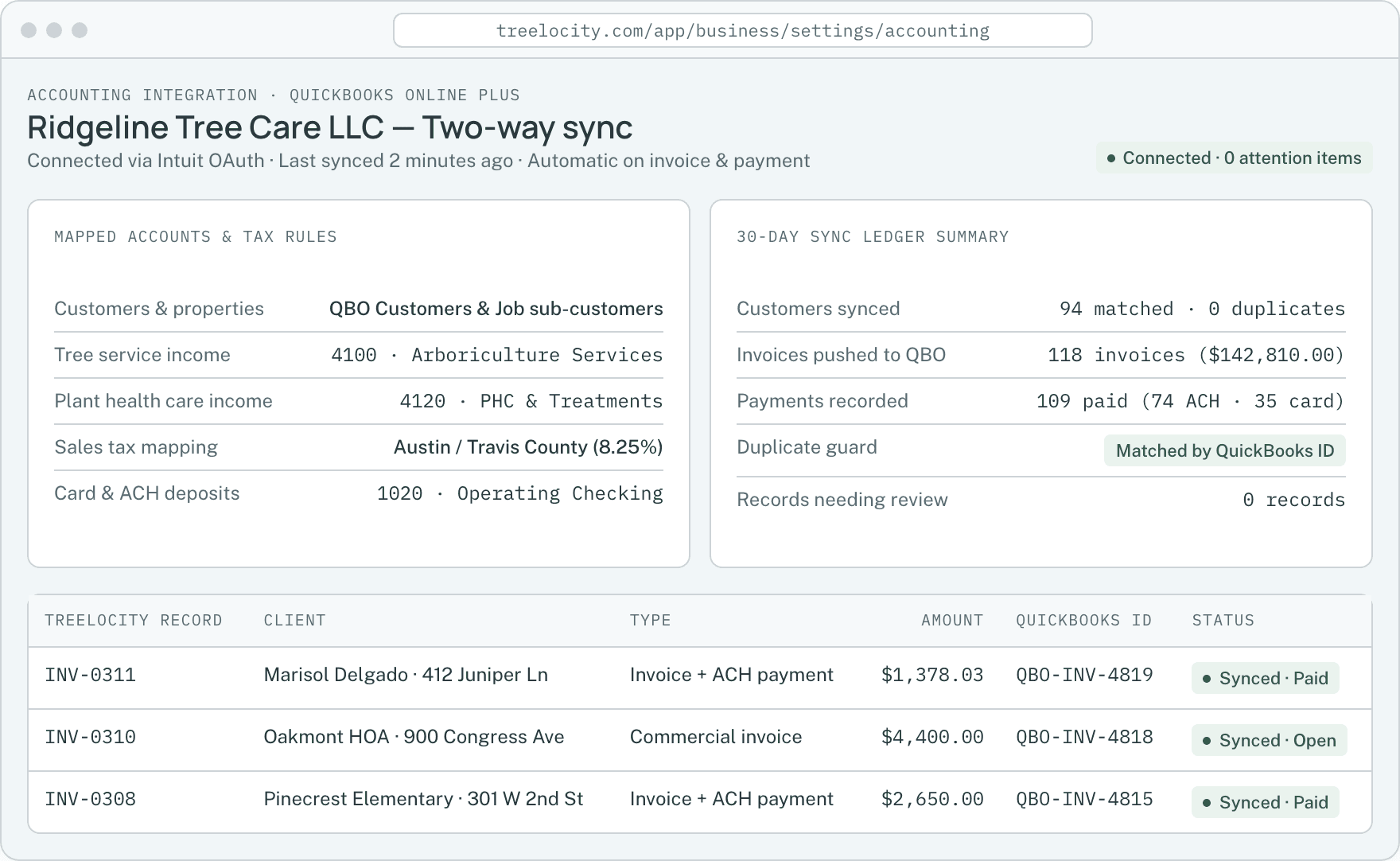
Automatic customer matching with zero duplicate records.Example data - 3
Preview rows and catch duplicates before committing
See exactly how many clients and properties will be created or merged before a single row is saved to your workspace.
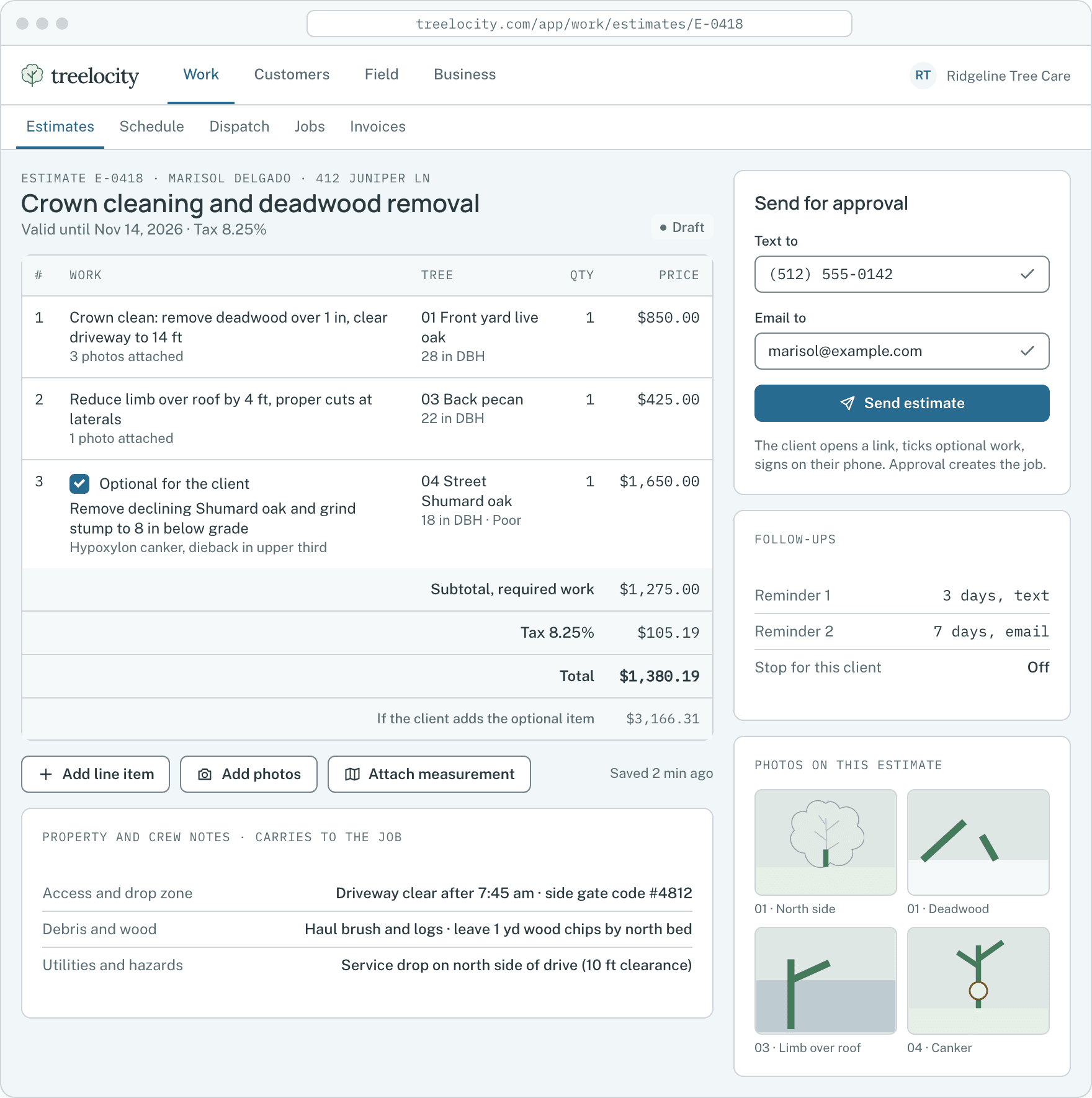
Ready to build estimates for imported clients.Example data - 4
Re-run imports safely without creating duplicates
Uploading the same file twice updates or skips matching records cleanly instead of creating duplicate customers or properties.
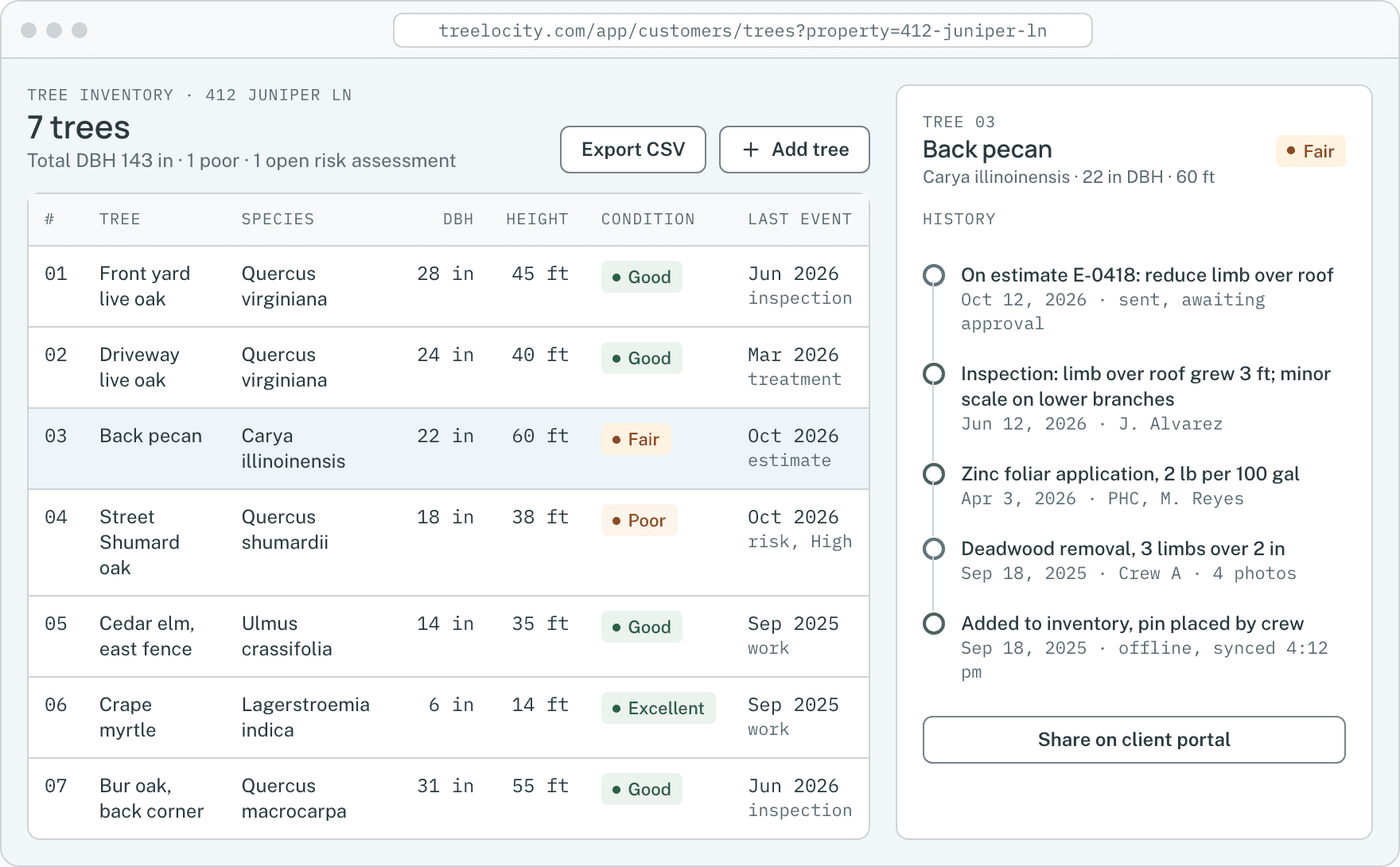
Start adding trees to imported properties immediately.Example data


What you get
No paid onboarding package required
Switch on your own schedule without waiting weeks for a migration specialist.
CSV, Excel and split-file support
Import clients and properties together or join a second properties file onto existing clients.
SoloJobber API and competitor presets
Built-in field handling for exports from Jobber, ArboStar, Arborgold and SingleOps.
SoloFull preview and duplicate check before saving
Inspect validation warnings and duplicate matches before committing the import.
Solo
Common questions
Import and switching questions
How this workflow runs day to day in the office and on the truck.
Do you charge a setup or data migration fee?
No. The importer is built right into the app and included in every plan, including during your 14-day trial.
What if my export has clients in one CSV and properties in another?
Upload both files together or import clients first and upload the properties file second—Treelocity links properties to the matching client automatically.
What happens if I upload the same spreadsheet twice?
Treelocity matches existing clients and properties by contact info and street address so re-uploading a file updates or skips records instead of creating duplicates.
Can I preview what will happen before anything is saved?
Yes. Every import shows a full preview table with parsed addresses, matched clients and any warnings before you click commit.
Get started
Test the importer with your real export file.
Start a 14-day trial, preview your CSV and see your properties on the map in minutes.