Know what every job actually made before the week ends.
Compare the agreed pre-tax job price against real crew clock hours, equipment operating time and materials consumed, with instant flags when a cost rate is missing.
Timesheets and job costing are in Crew ($199/month); multi-crew reporting and CSV export are in Established ($349/month).

Test a job’s real pre-tax margin before you quote it
Pick a preset tree job or enter your own numbers to see how crew hours, equipment rates and materials roll up into pre-tax margin.
- Agreed pre-tax job revenue
- $2,925
- Crew labor (3 × 5.5 hrs = 16.5 person-hrs)
- −$594
- Equipment operating cost (5.5 hrs)
- −$357.50
- Materials & green-waste disposal
- −$85
- Total job cost
- $1,036.50
- Pre-tax net profit
- $1,888.50
How it works
How costs roll up onto every job
- 1
Agree on the job price at approval
When the client signs the estimate, the agreed pre-tax total and selected options lock onto the job record.
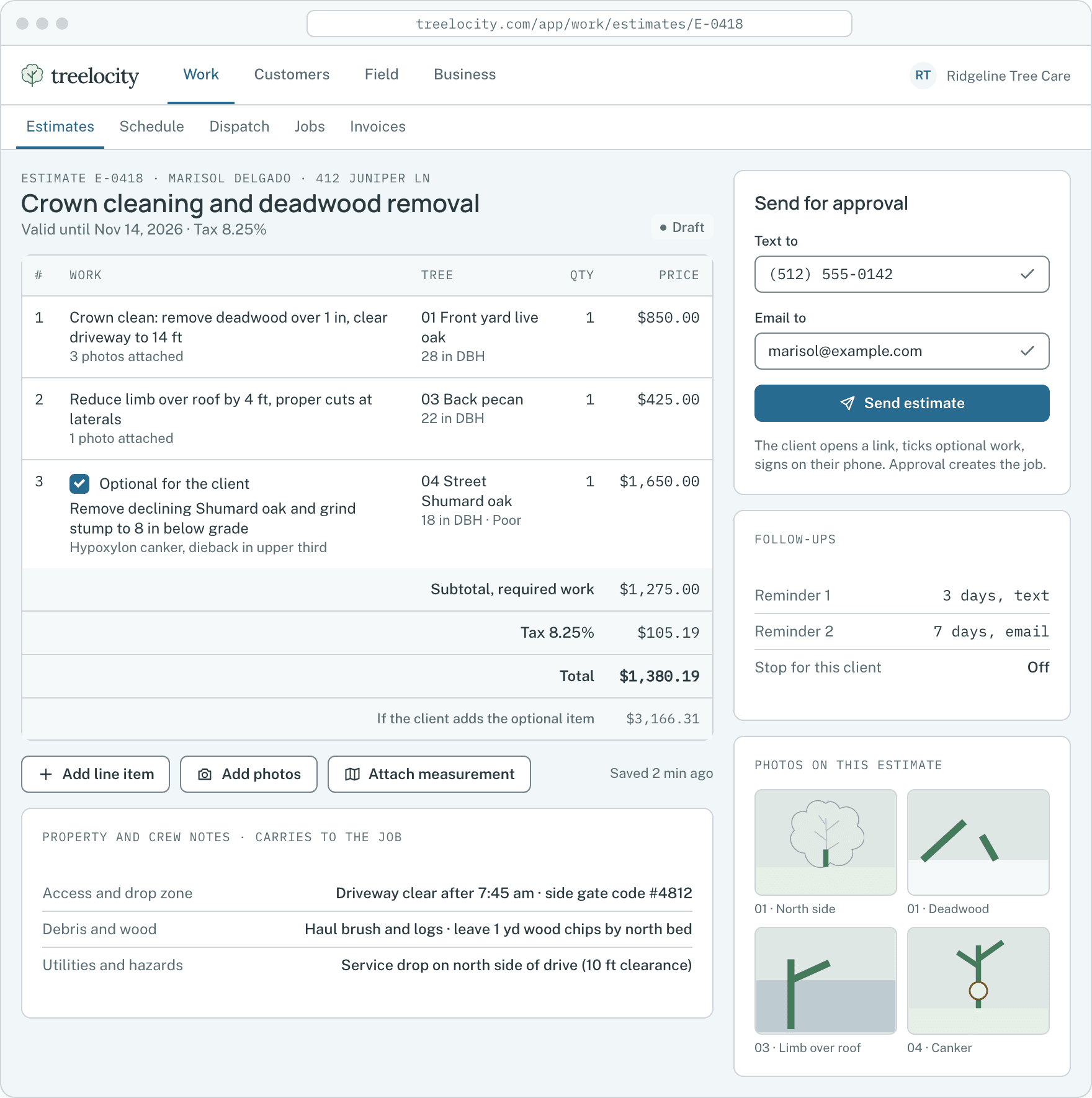
Agreed scope and price from the signed estimate.Example data - 2
Crews clock time and equipment runs on the visit
Field clock-ins record labor hours using each employee’s historical hourly cost rate, while assigned equipment accrues operating time.
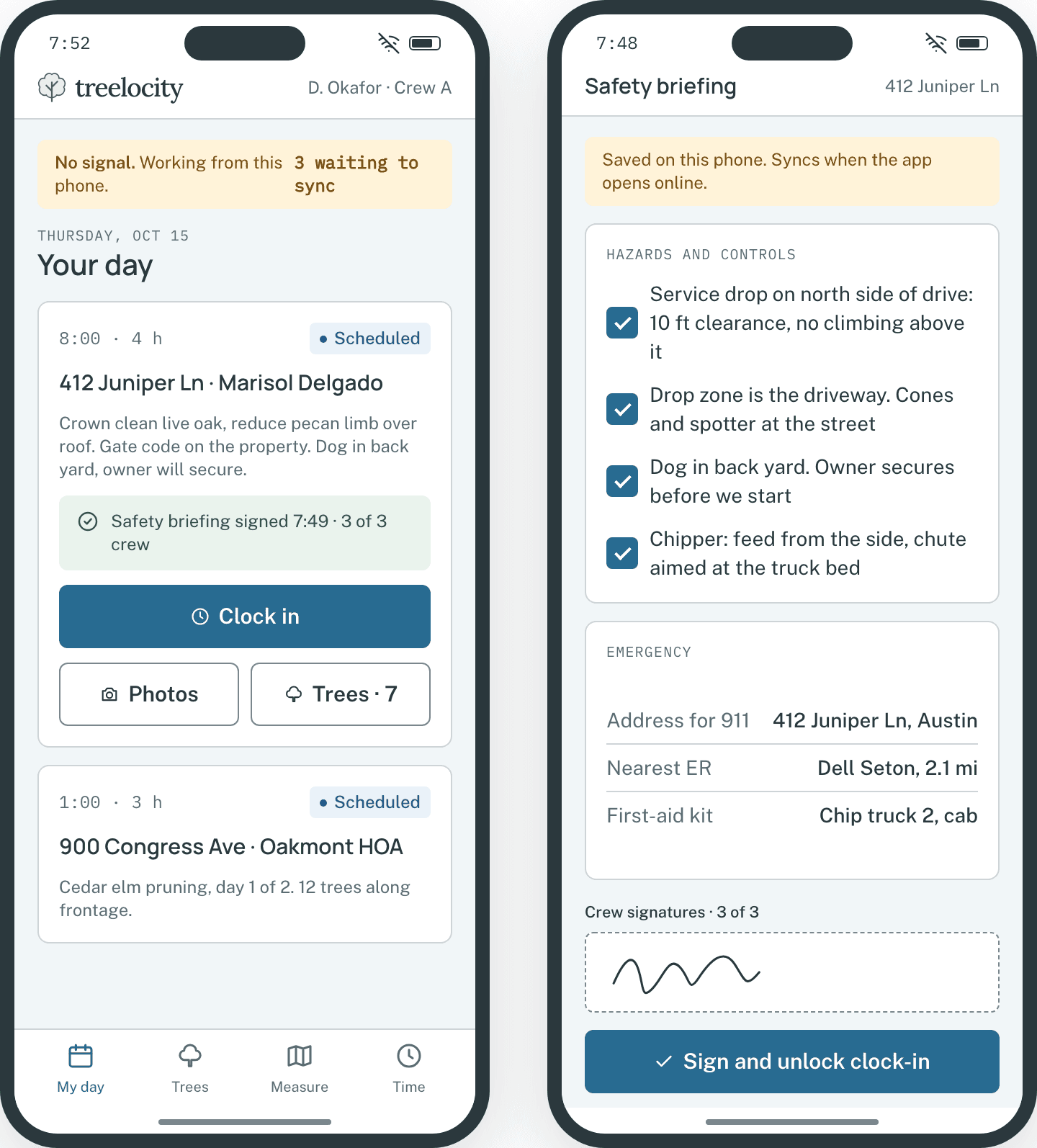
Crew clock hours captured on the visit.Example data - 3
Review margin and fix any missing cost rates
If an employee or piece of equipment was missing an hourly rate when work happened, Treelocity flags the job and lets you recover the cost cleanly.
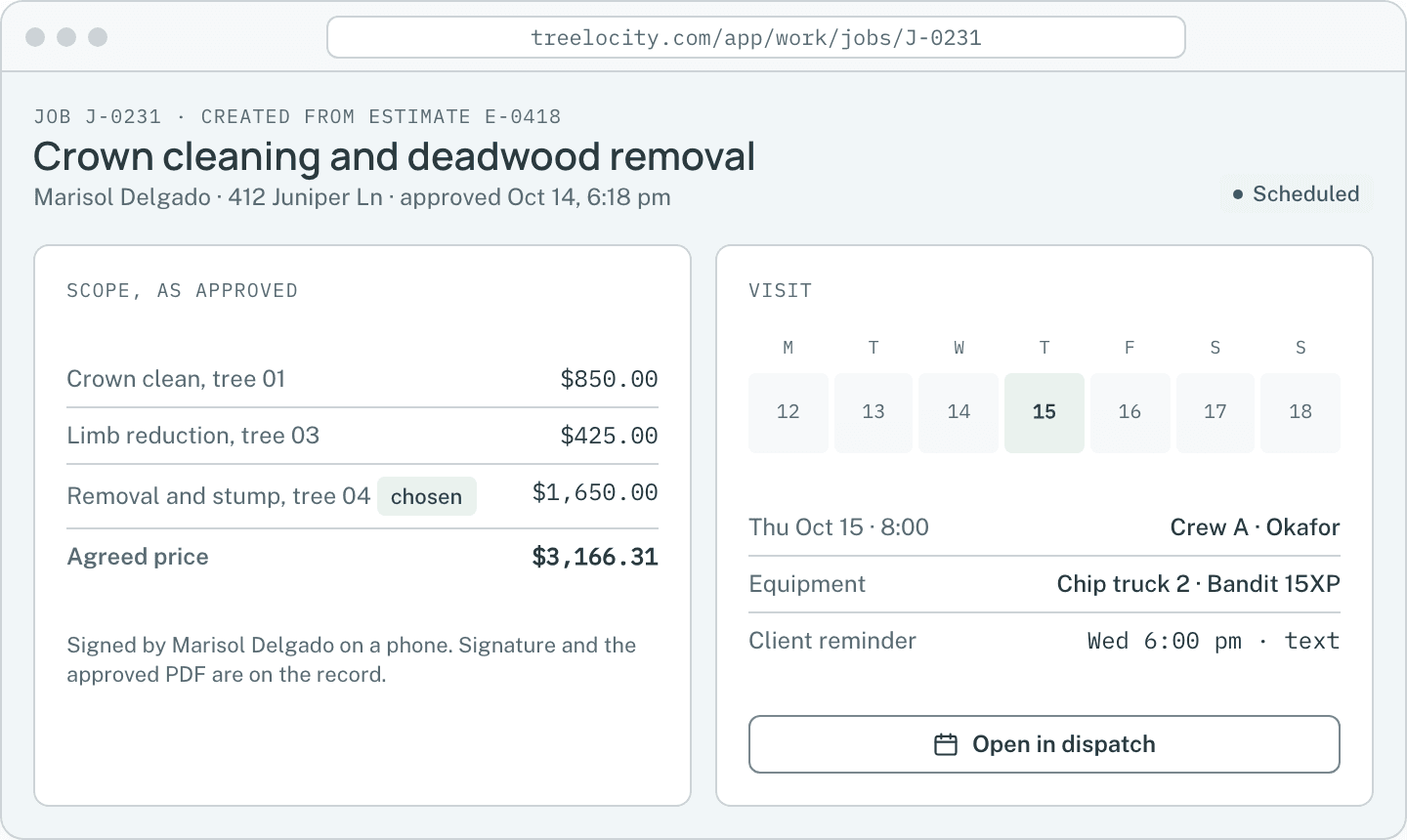
Margin breakdown on the job record.Example data - 4
Filter reports by date range and crew, or export CSV
See revenue, close rate, pre-tax job margin and crew productivity in your company time zone, and export any report to CSV.
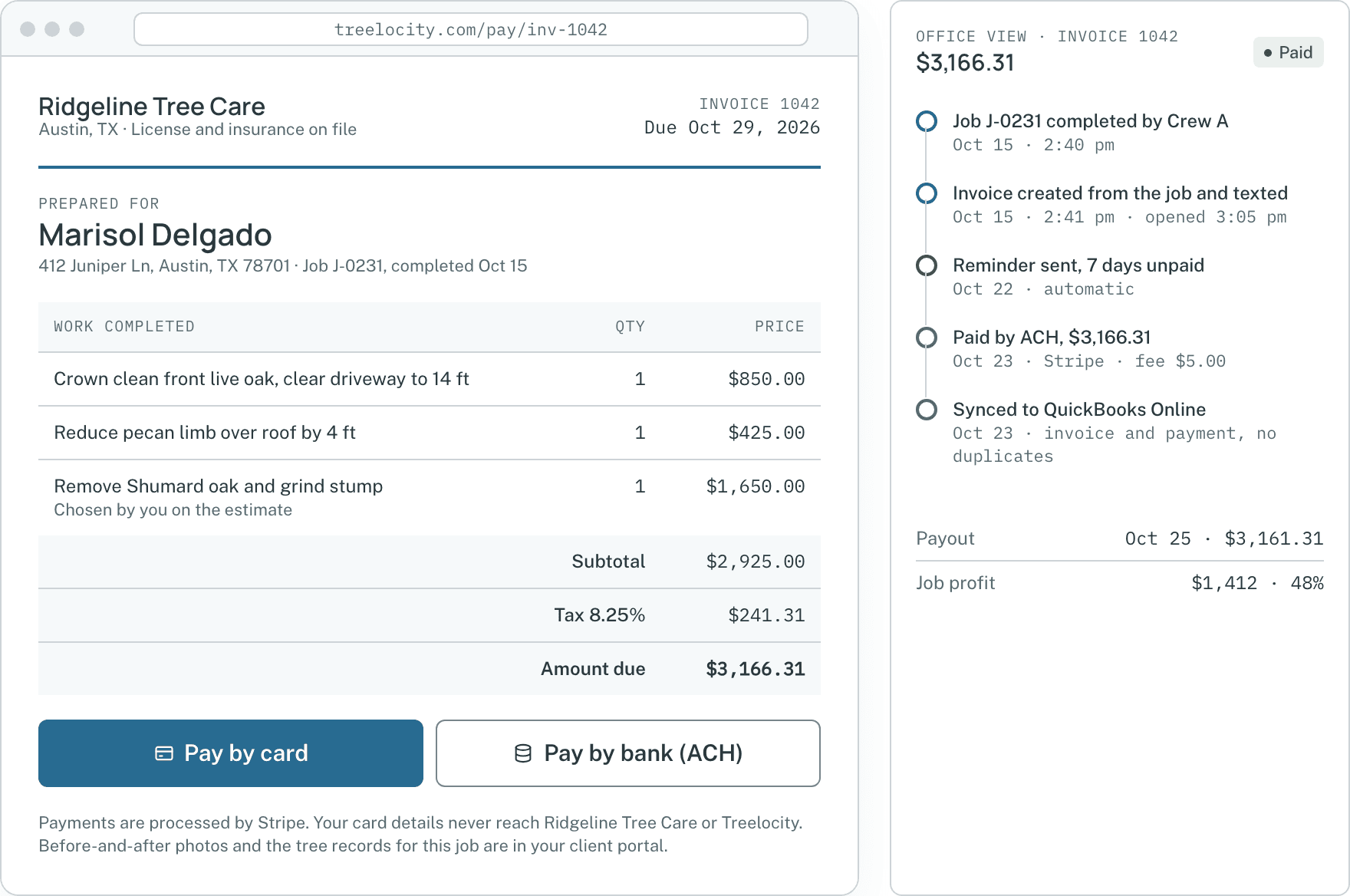
Invoiced revenue and job margin ready for CSV export.Example data


What you get
Numbers you can trust in Monday’s meeting
No spreadsheet stitching between timesheets, equipment logs and invoices.
Labor, equipment and material cost per job
Every visit rolls employee hours, equipment operating time and material usage into one margin number.
CrewHistorical employee cost preservation
Raising a climber’s hourly rate today does not rewrite the labor cost of jobs completed last month.
CrewRevenue, close rate and margin reports with CSV export
Filter by date range and crew in your company time zone and export clean CSVs.
Established
Common questions
Job costing questions
How this workflow runs day to day in the office and on the truck.
Can crew members see employee hourly cost rates?
No. Employee hourly cost rates are private to owners and authorized office managers.
What if we forgot to enter an hourly rate for a new hire before their first job?
The report flags the job with a missing-cost warning, and once you enter their rate you can apply it to those past hours so your margin numbers are complete.
Does job margin include sales tax?
No. Job margin is always calculated against the agreed pre-tax job price so collected sales tax never inflates your profit numbers.
Can we export job costing and crew productivity reports to Excel?
Yes. On the Established plan, every revenue, close-rate, margin and crew productivity report exports to a clean CSV file.
Get started
See your real margin on every tree job.
Start a 14-day trial on Crew or Established and track your next job from clock-in to invoice.