Put every job on the right day, crew and truck without double-booking.
See unscheduled jobs, crew calendars and property pins together. Assign named crews and equipment, reorder stops to cut drive time, and text the client automatically.
Calendar scheduling and reminder texts are in every plan. Named crews, map scheduling and equipment conflict checks are in Crew; route optimization is in Established.

How it works
From approved job to dispatched crew in four steps
- 1
Start from the approved job queue
Every signed estimate lands in your unscheduled queue with its tree pins, scope and agreed total already attached.
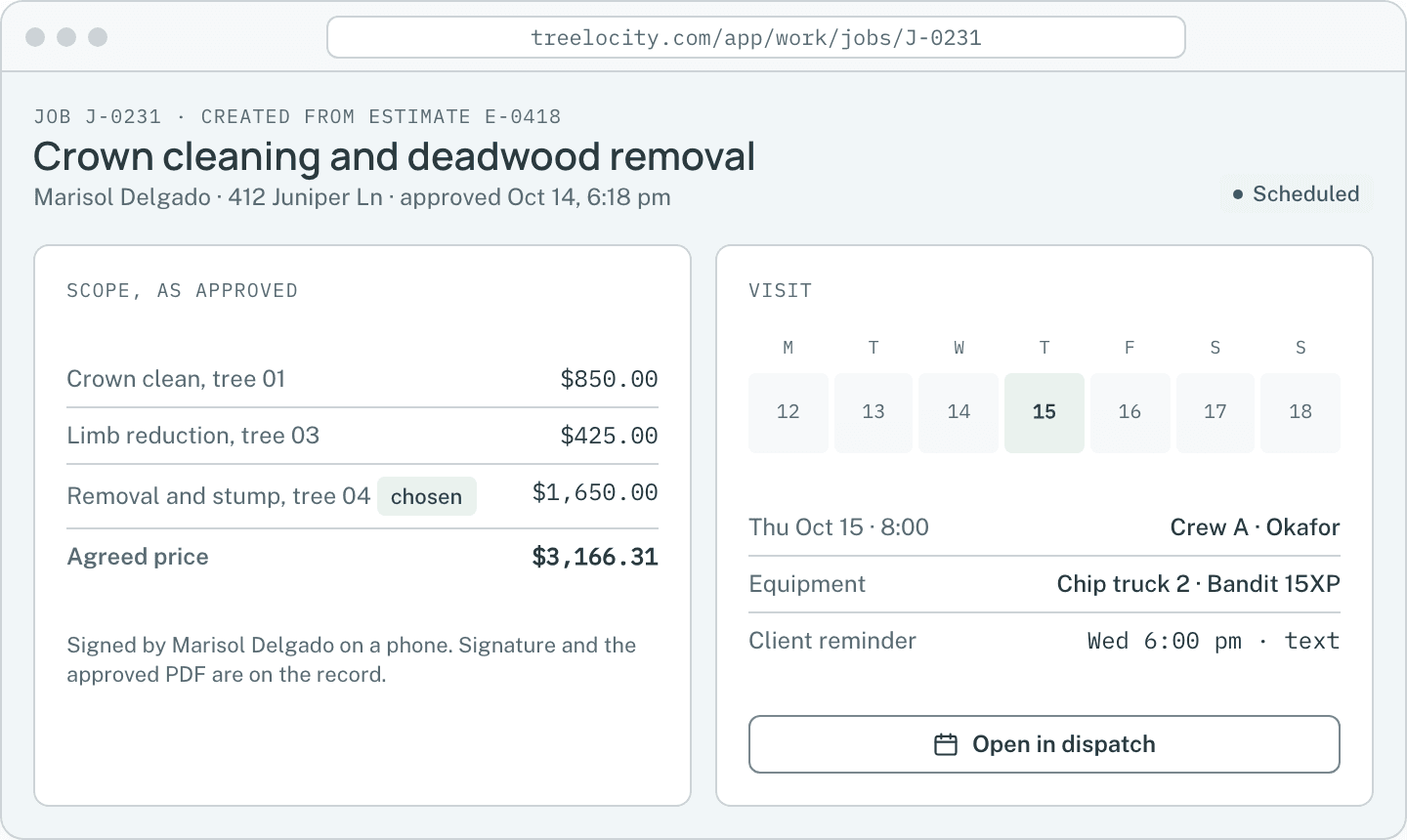
An approved job ready for dispatch.Example data - 2
Assign a day, a named crew and equipment
Drag the visit onto a day or assign a pin directly from the map. Reserve bucket trucks, chippers and stump grinders with automatic overlap blocking.
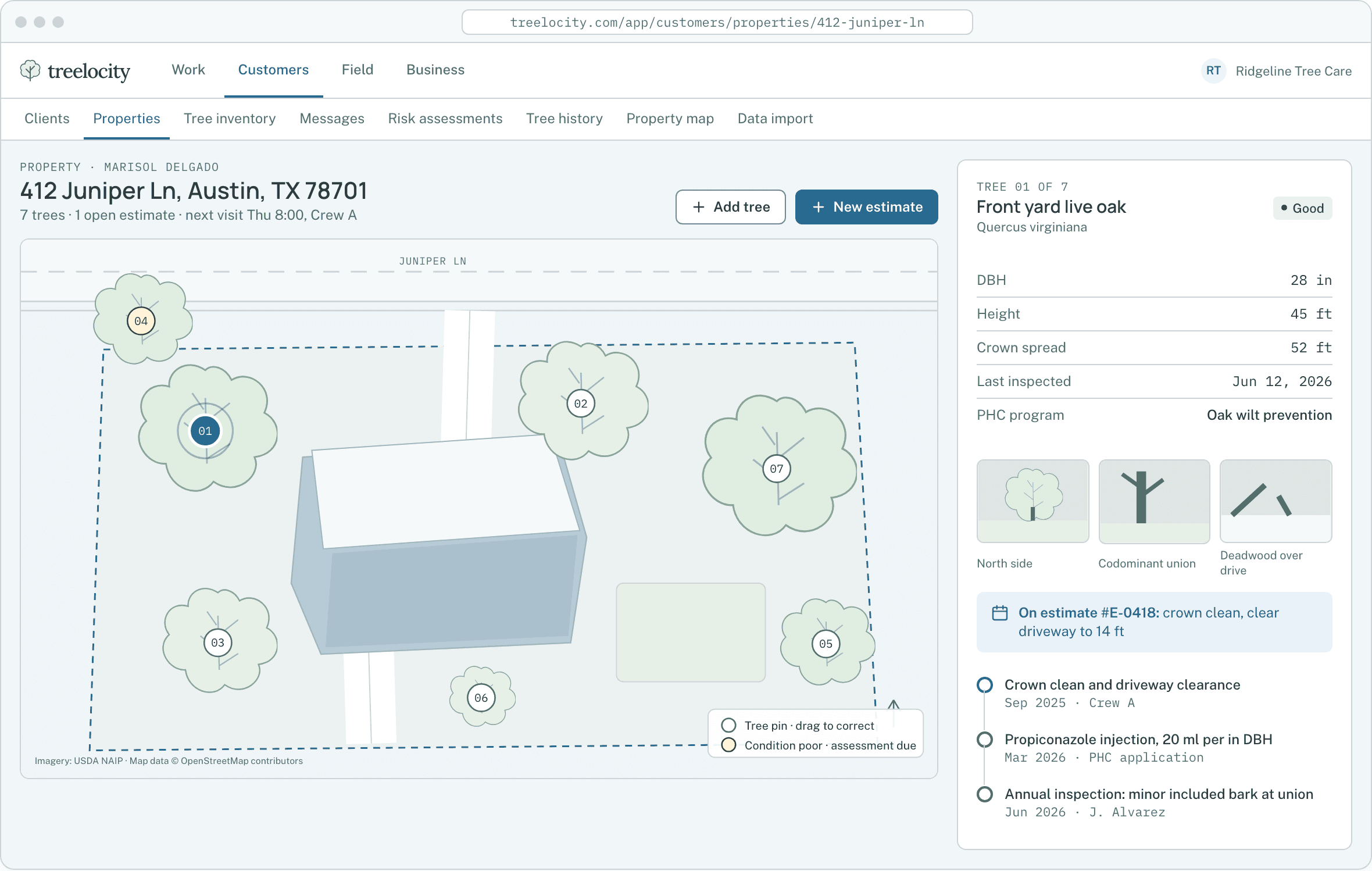
Assigning crews and equipment with full property map context.Example data - 3
Optimize the stop order before crews roll out
Reorder a crew’s stops along real street routes and compare driving minutes saved before applying the new stop order.
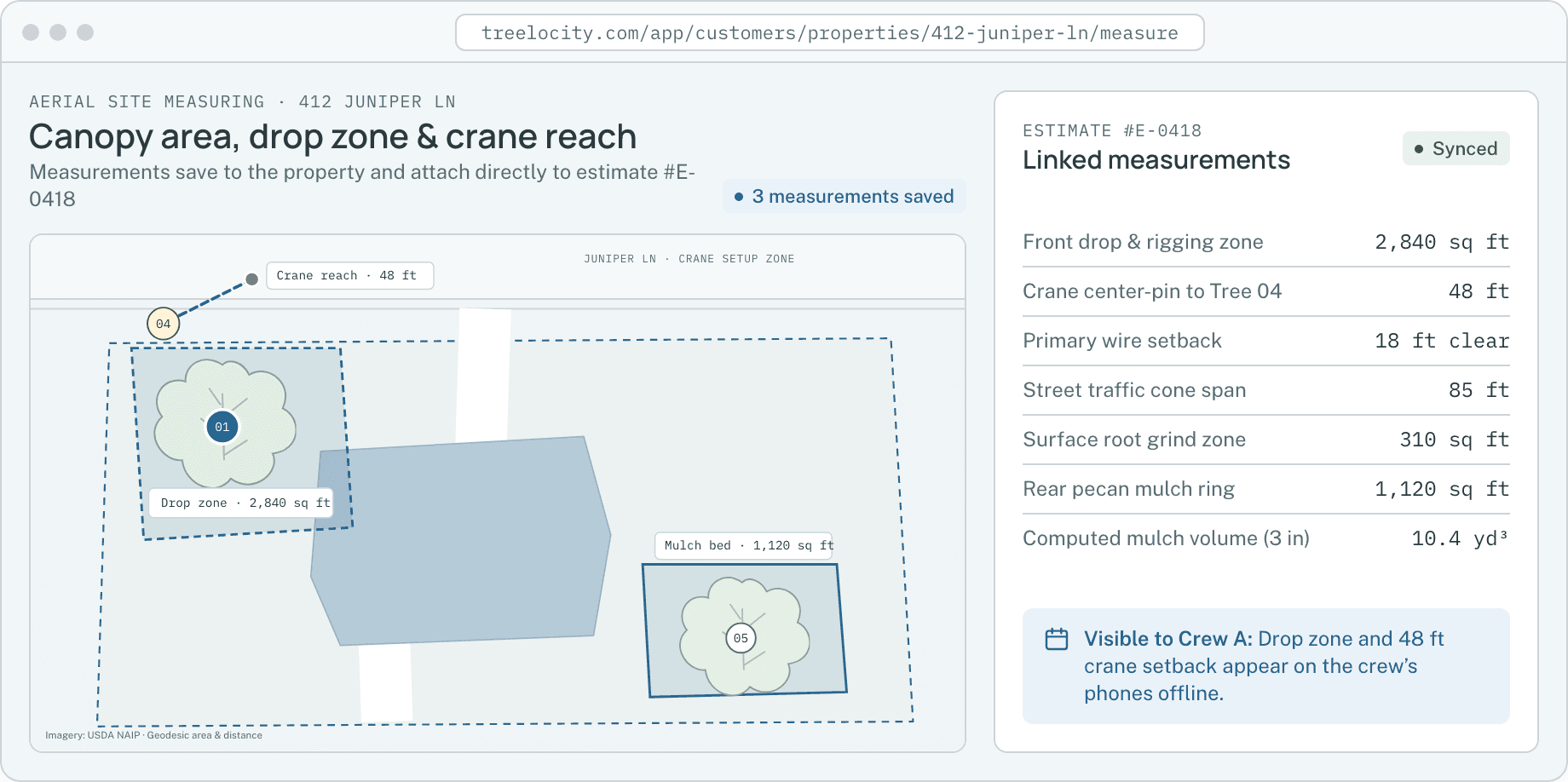
Aerial site context and stop ordering.Example data - 4
Crews see the updated route on their phones
Assigned crew members open My Day to see stops in order, property gate notes, tree pins and required safety briefings.
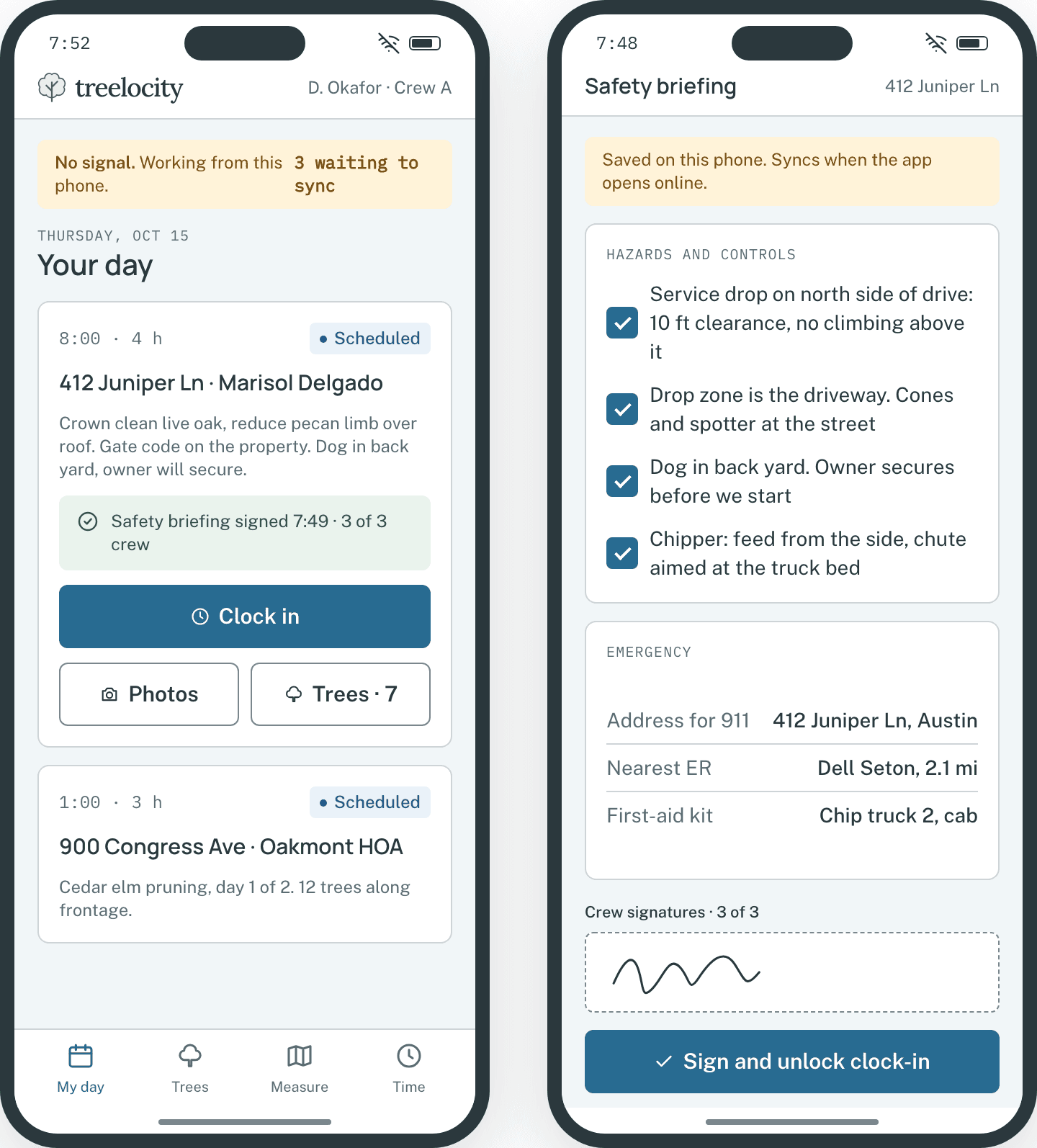
The day’s route in the crew app.Example data


What you get
What scheduling in Treelocity prevents
Built so the office and the trucks read the exact same schedule.
Automatic client visit reminders
Clients receive a confirmation and reminder text or email when their visit is scheduled.
SoloWeather rescheduling in one drag
Move a rained-out day or multi-day pruning job to a new date and keep crew and truck assignments intact.
SoloNamed crews and map assignment
Group climbers and groundsmen into named crews and assign visits directly from map pins.
CrewEquipment double-booking blocked
Assigning the same chipper, crane or stump grinder to two overlapping visits is blocked before the schedule saves.
CrewStreet-route stop optimization
Preview drive-time savings and apply the new stop order in one click while keeping promised arrival windows fixed.
EstablishedClocked-in crew pins on the dispatch map
See where clocked-in crews are working during the day so you can route urgent storm calls to the nearest truck.
Established
Common questions
Scheduling questions
How this workflow runs day to day in the office and on the truck.
What happens if we need to reschedule a visit due to weather?
Move the visit to the new day on the board. Equipment reservations move with it, crews see the new order immediately, and you choose whether to send an updated text to the client.
Does route optimization overwrite fixed appointment times?
No. Visits with a promised arrival window stay anchored at that time while flexible stops are reordered around them.
Can one job span multiple visits across different days or crews?
Yes. A large removal with crane work on Monday and stump grinding on Wednesday can have separate visits on the same job, each with its own crew and equipment.
How does equipment conflict checking work?
When you assign a truck, chipper, lift or grinder to a visit, Treelocity checks every other visit overlapping that time window and blocks the save if that machine is already booked.
Get started
Put your next week of tree work on the board.
Start a 14-day trial, schedule a crew and see the route appear on your phone.