Built for back yards with no bars and climbers with gloves on.
Crews open My Day to see their stops in order, sign the pre-job safety briefing, clock time, inspect tree pins and snap photos offline.
The offline crew app is in every plan. Pre-job safety gates and visit timesheets are in Crew; live clock-in GPS and price privacy roles are in Established.

How it works
How a crew runs a visit from the phone
- 1
Open My Day with or without cell service
The app saves the day’s assigned visits, property maps and tree records to the phone so crews never wait on a loading screen at the gate.
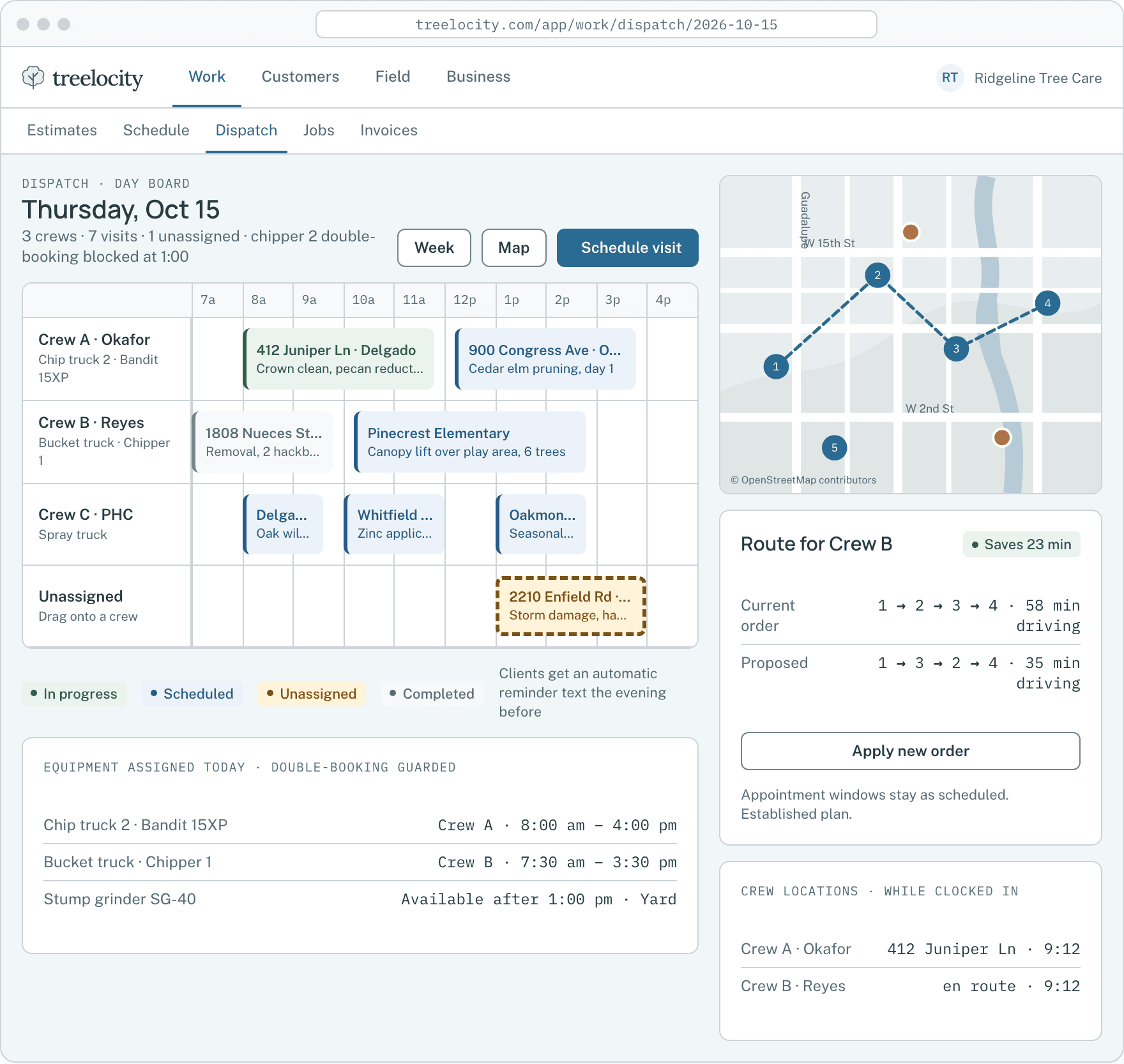
Assigned stops and route order ready for the crew.Example data - 2
Sign the pre-job safety briefing before clocking in
Hazards, drop zones, power lines and nearest hospital details are reviewed and signed on the visit before the first timesheet clock can start.
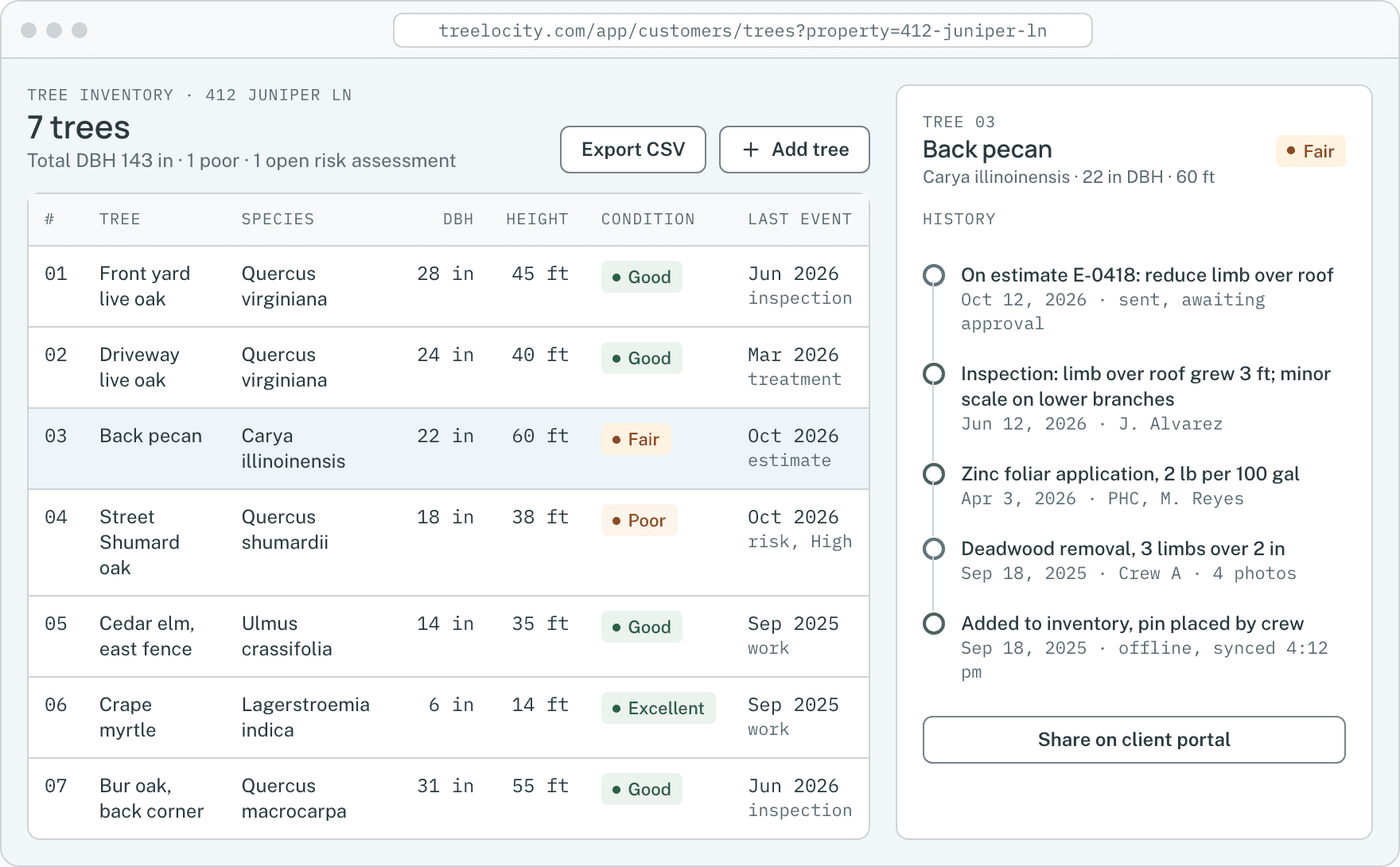
Tree-level hazard notes and inspection details before work begins.Example data - 3
Check tree pins, notes and photos without seeing prices
When price visibility is turned off for crew roles, climbers see species, DBH, work scope and rigging notes while dollar totals stay hidden.
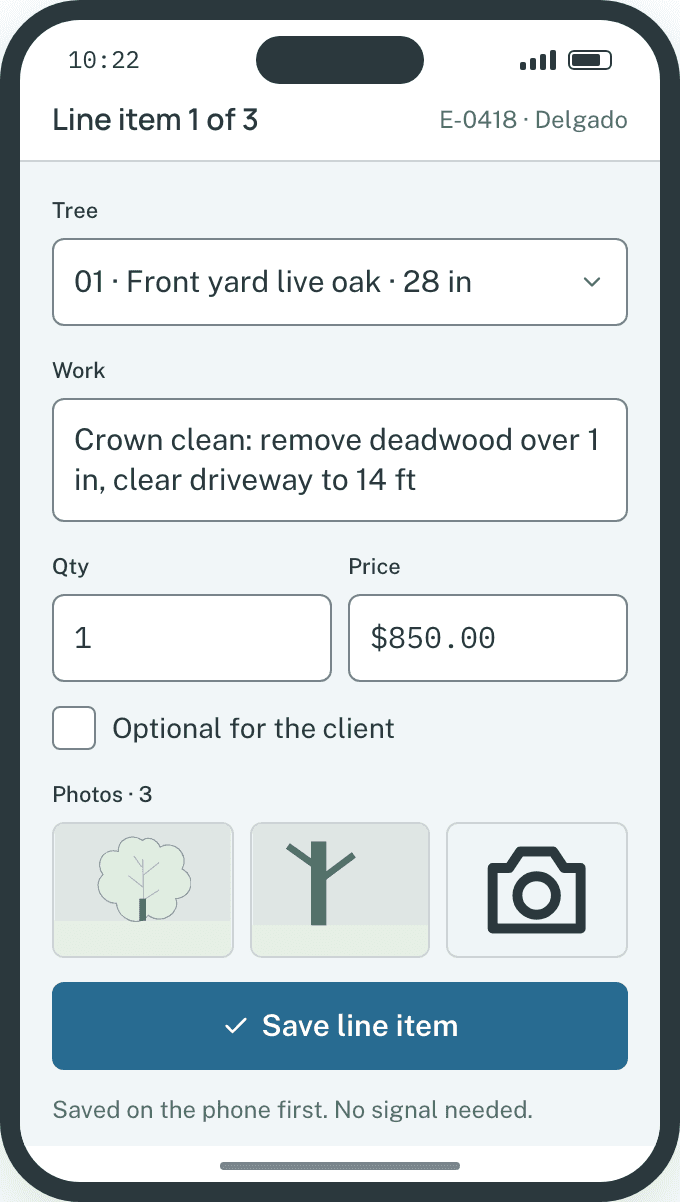
Field capture on the phone.Example data - 4
Finish the visit and sync automatically
Clock entries, break times, tree updates and photos save on the phone first and sync to the office automatically as soon as signal returns.
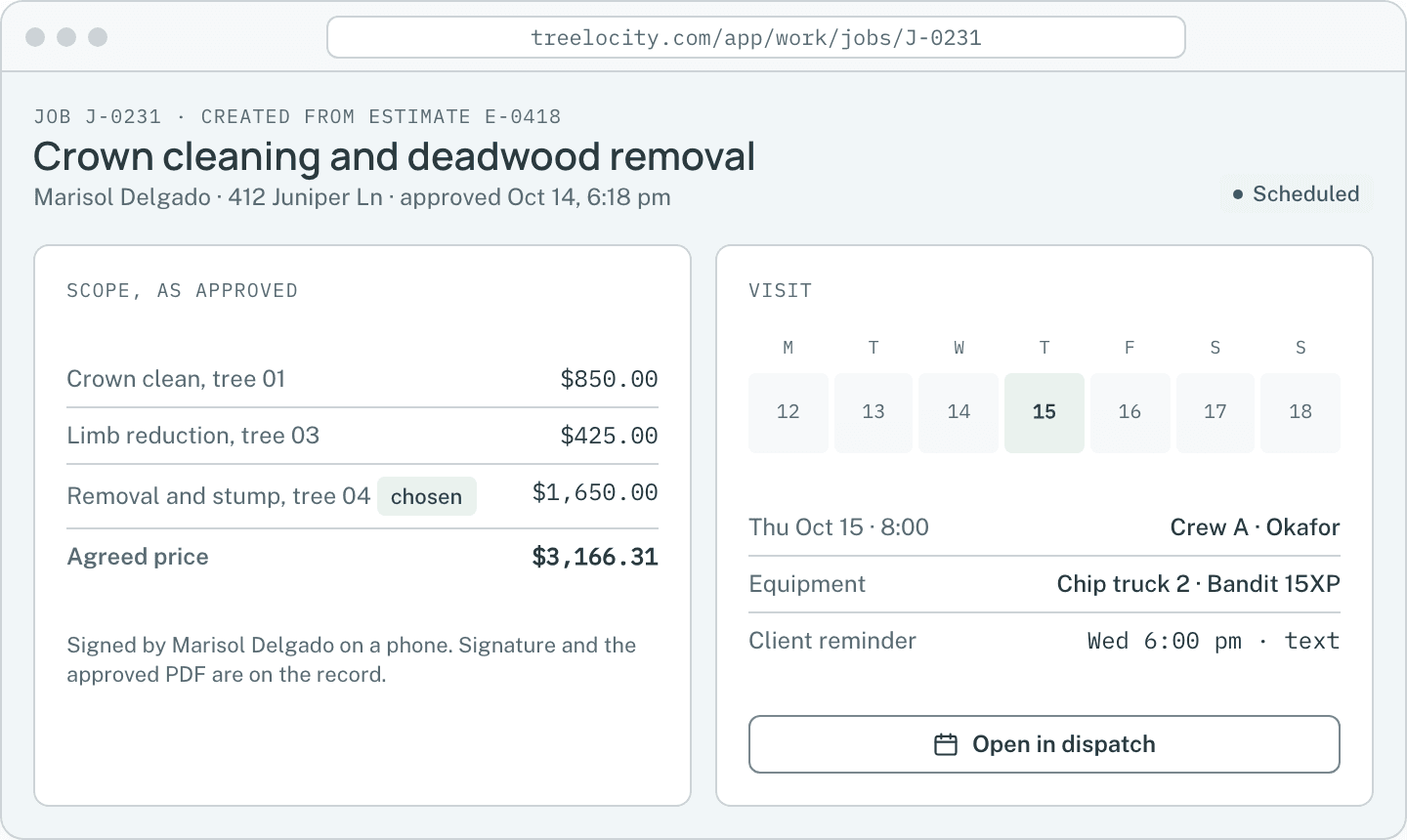
Synced visit times and notes on the job record.Example data


What you get
Field reliability built into the app
Every field action saves on the phone first so dead zones never slow down the crew.
Works offline in dead zones
Safety sign-offs, clock punches, tree notes and photos save on the phone and sync cleanly when signal returns.
SoloPin-accurate tree instructions and photos
Crews tap any numbered pin on the property map to see the exact tree, species, DBH and scope they are working on.
SoloMandatory safety gate before work starts
The clock-in button stays locked until the crew reviews site hazards and signs the pre-job safety briefing.
CrewIndividual clock and break tracking
Each crew member clocks in, logs breaks and clocks out against the visit so labor hours flow straight into job costing.
CrewRole-based price privacy
Hide estimate, job and invoice dollar figures from field roles while keeping full scope and safety notes visible.
EstablishedClocked-in GPS with break privacy
Location sharing runs only while an employee is actively clocked in on a visit and pauses on breaks and clock-out.
Established
Common questions
Crew app questions
How this workflow runs day to day in the office and on the truck.
What happens if two crew members update a visit while offline?
Each phone saves its own timestamped actions. When both phones reconnect, their clock entries, photos and notes merge onto the visit without overwriting each other.
Can crews see job prices on their phones?
On Established, you can restrict field roles so they see trees, work descriptions and safety notes without any dollar amounts.
Does the app track crew locations after they clock out for the day?
No. Location sharing only operates while an employee has an active timesheet clock running on a visit, and stops immediately on break or clock-out.
Do crew members need new phones to run the app?
No. Any modern iPhone or Android phone with Safari or Chrome can install the crew app to the home screen in seconds.
Get started
Open the crew app on your own phone.
Start a 14-day trial, schedule a visit and test offline mode in airplane mode.